Gear & Tools
Digital Nomad Cybersecurity: How to Stay Safe Online While Travelling
Working remotely from anywhere in the world comes with real digital risks. Here's your practical guide to cybersecurity for digital nomads, covering VPNs, public Wi-Fi, device security, and local internet laws.
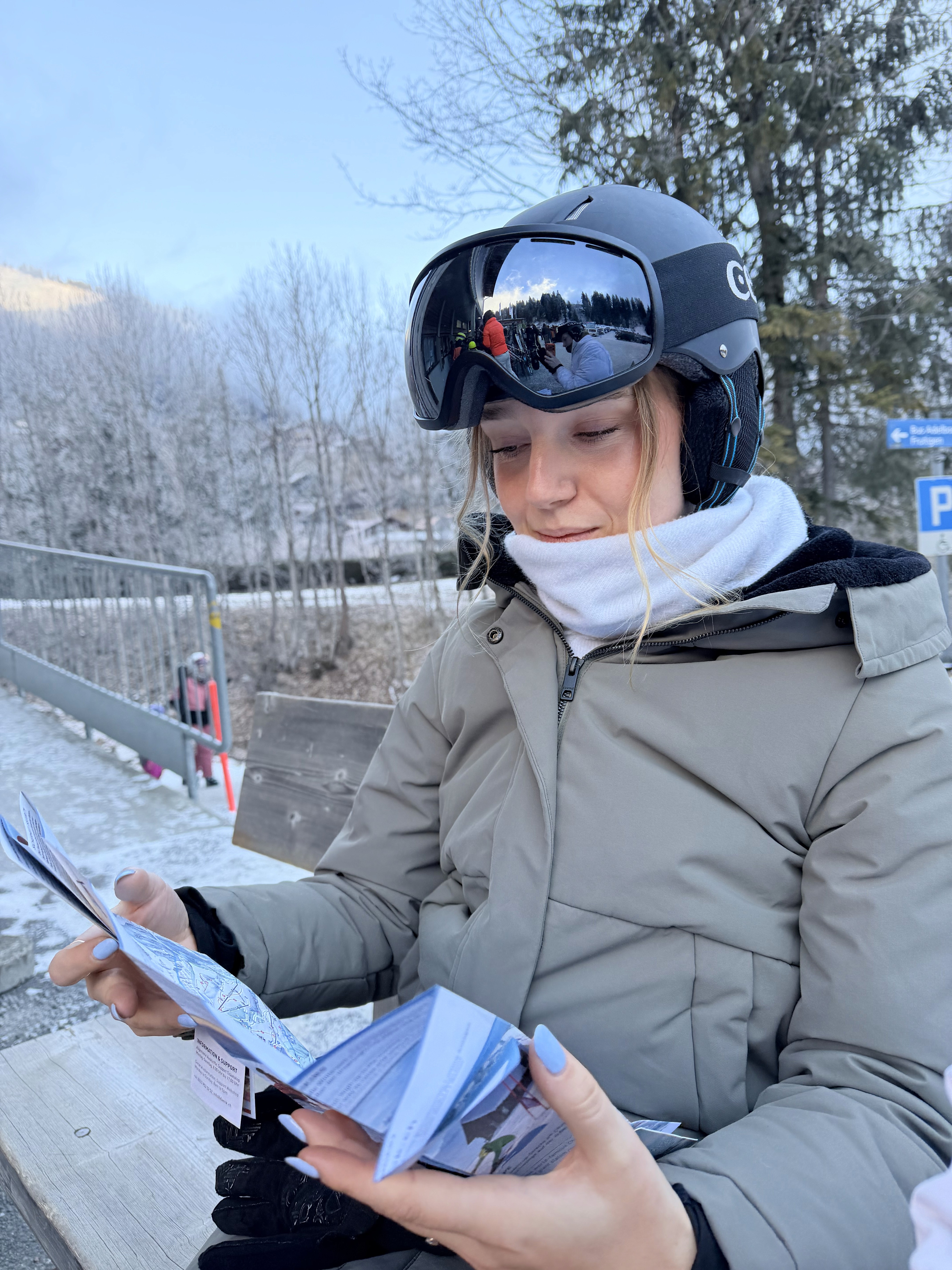
Working from beach-side cafes, exploring new cities, meeting people from across the world, the digital nomad lifestyle delivers on every front. But the same freedom that makes it extraordinary also creates real vulnerabilities. Your devices are your income, your identity, and your entire professional life, all packed into a bag you carry from country to country. Here's how to protect them.
Secure Your Devices First
Strong device security is the foundation everything else builds on.
Use a password manager to generate and store complex, unique passwords for every account. Reusing passwords across accounts is one of the fastest ways to turn a single breach into a full-scale disaster.
Enable two-factor authentication (2FA) on every account that offers it. One important caveat: if you use SMS-based 2FA tied to a home country phone number, confirm you'll have reliable access to that number while travelling. An authenticator app like Google Authenticator or Authy is a more reliable option on the road.
Keep all software updated. Operating system patches, app updates, and antivirus definitions exist primarily to close security vulnerabilities. Skipping them leaves known doors open.
Install quality antivirus software. Connecting across dozens of different networks throughout the year significantly raises your exposure to malware and phishing attempts.
Protect Your Internet Connection
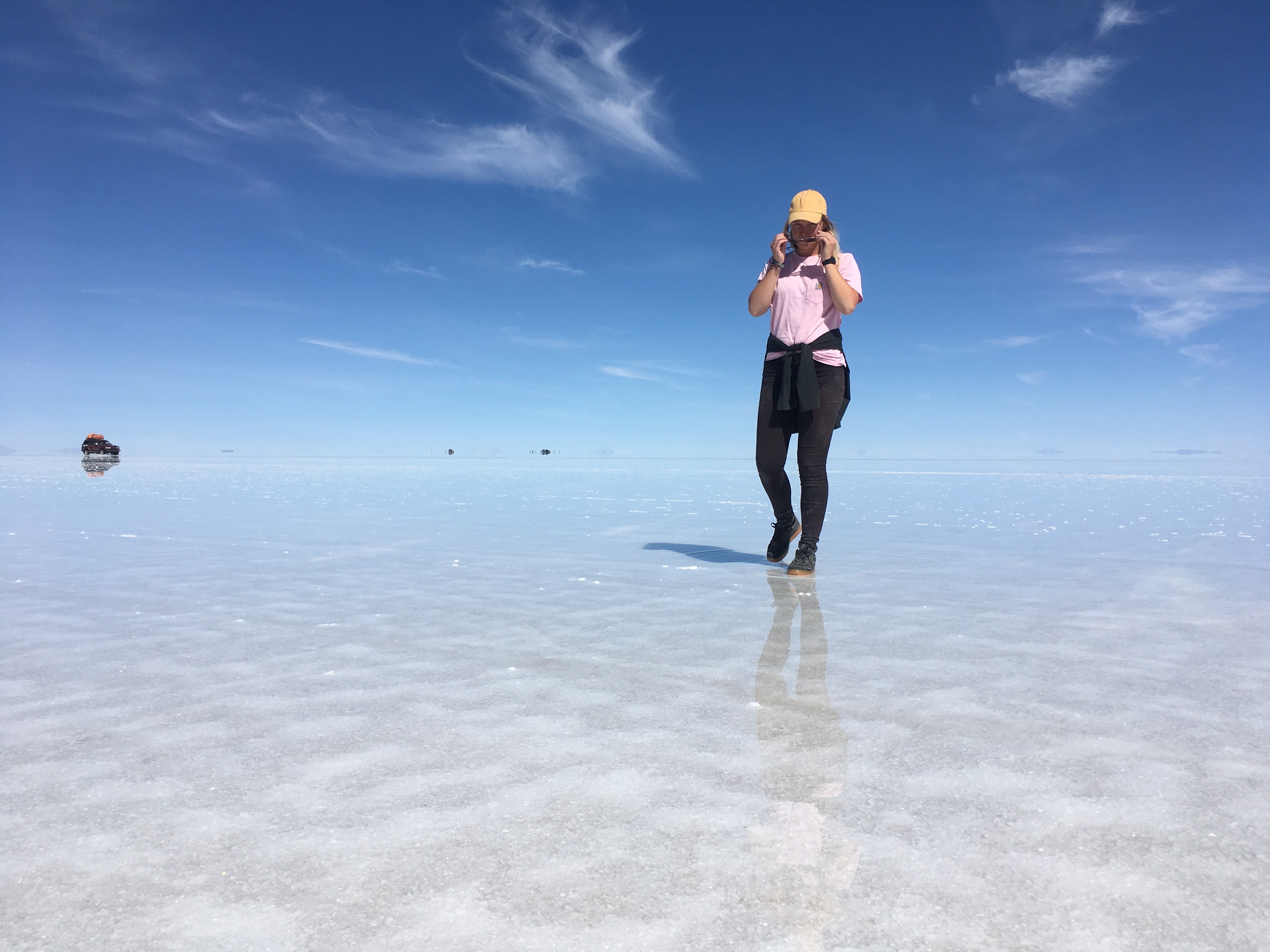
Public Wi-Fi is one of the biggest cybersecurity risks a nomad faces. Airports, cafes, coworking spaces, and hotels all offer convenient connections that are also prime territory for data interception.
A VPN (Virtual Private Network) encrypts your internet traffic and keeps your data protected on unsecured networks. Make it a habit to connect through your VPN before accessing anything on public Wi-Fi. One important note: VPN legality varies significantly by country. In most places VPNs are standard tools for privacy and remote work, but some countries heavily restrict or ban them. Research the local rules before you arrive, and always download and test your VPN before entering a restrictive country, as VPN provider websites are sometimes blocked locally.
When public Wi-Fi cannot be avoided, stay off banking, sensitive email, and private accounts. Your phone's mobile data or a portable hotspot is a far safer alternative.
Turn off the auto-connect feature on all your devices. Automatically joining known networks can silently connect you to malicious ones using the same name.
Protect Your Personal Information
Constant movement makes it easy to let your guard down, and that's exactly when vulnerabilities appear.
Think twice before sharing your real-time location on social media. Broadcasting where you are and where you're going creates opportunities for both digital and physical targeting, especially in destinations with higher security risks. Posting after you've moved on is a simple habit that significantly reduces exposure.
Secure your email account with a strong password and 2FA. Your inbox is the recovery route for almost every other account you own, making it the highest-value target for attackers.
Back up your data regularly, and actually check when the last backup ran. I found out the hard way when my phone was stolen in Ecuador with no recent iCloud backup. Every photo and memory from that part of the trip was gone. Set automatic backups and verify them.
Manage Your Online Presence
Keep work and personal accounts separate where possible. Different email addresses, different logins, and ideally different devices for professional versus personal use creates a clean boundary that limits damage if one account is compromised.
Check your digital footprint periodically. Search your own name, review the privacy settings on your social accounts, and audit what's publicly visible. This matters for your personal safety and your professional reputation.
Use secure payment methods for all online purchases and financial transactions. Services like PayPal and virtual credit cards add a layer of protection that standard card payments do not.
Physical Security Matters Too
Digital safety and physical safety operate together. A stolen device is both a financial loss and a potential data breach.
Keep expensive gadgets out of sight in public, particularly in cities or regions with higher theft rates. When you're not using your devices, store them out of view.
Password-protect every device and set automatic screen locks. If your device is lost or stolen, that lock is the first line of defence between a stranger and your entire digital life. iPhone users: enable Find My iPhone and know how to trigger a remote wipe.
Stay aware of your surroundings when working in public spaces. Shoulder surfing is real. If something feels off about a location, trust that instinct and move.
Know the Local Internet Laws
Every country you travel to has its own rules regarding internet use, privacy, and digital content. Some of the differences are significant.
Research before you arrive. Certain countries enforce internet censorship, and accessing blocked websites or apps can carry legal consequences. In Iran, for example, access to services like Google Business is restricted. The UAE restricts VoIP calling through apps like WhatsApp and Skype, and using a VPN specifically to bypass those restrictions carries legal penalties under UAE cyber law. These are not grey areas worth testing.
Consider digital insurance if your equipment and work are valuable. Theft, loss, and accidental damage coverage for your devices is a practical safety net, especially when travelling to higher-risk destinations.
The digital nomad life is built on freedom, and protecting that freedom means taking security seriously. These habits cost very little time to build and protect everything you've worked to create.
Safe travels! 💕💕💕✨
Disclaimer: Laws around internet usage, VPNs, and digital communications vary by country and change frequently. Always verify the current regulations in your destination before you travel. This article is for general informational purposes and does not constitute legal advice.
Follow to learn & travel more
Simple guidance and ideas to earn remotely and start traveling the world